[ 02 - QR labels ]
QR code inventory labels for boxes and containers
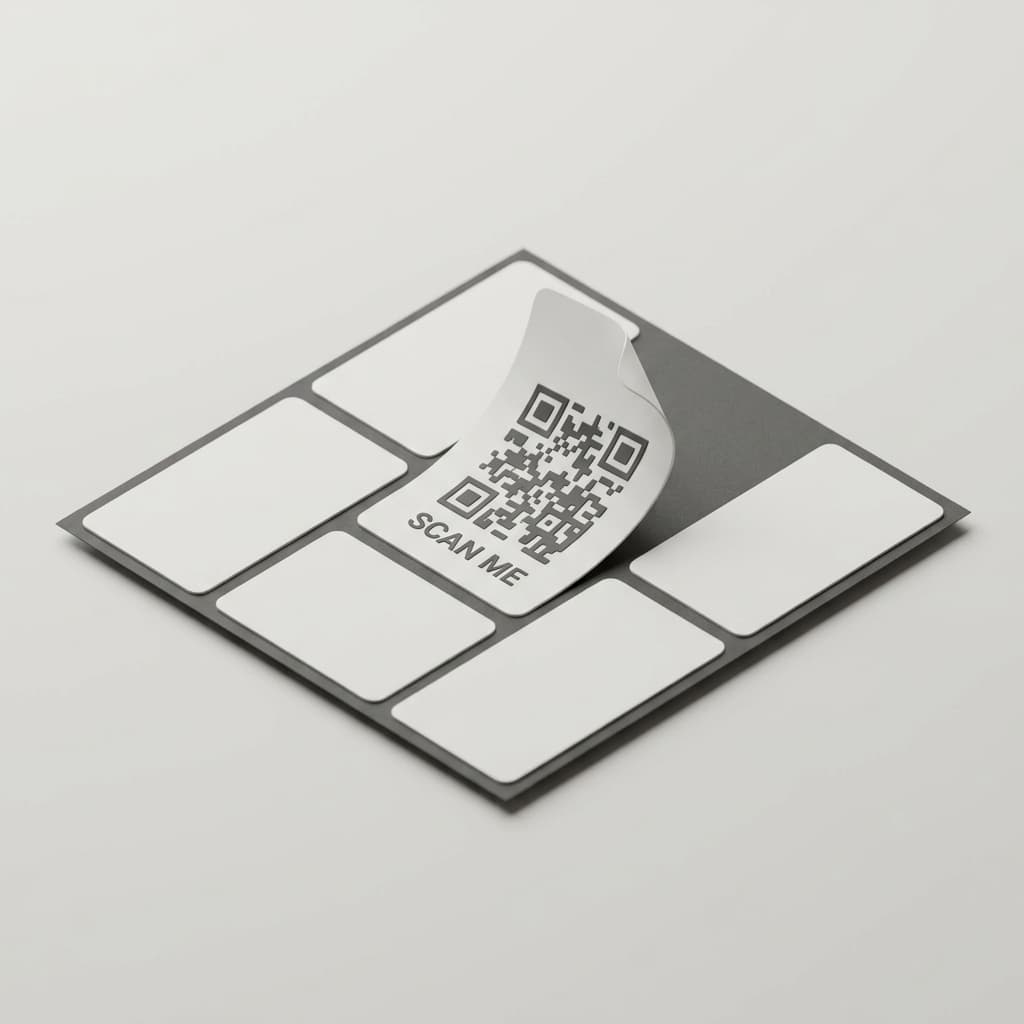
QR code inventory labels give physical containers and catalog records a simple connection. Generate a QR label in Palstora, print it, attach it to a box or item, and scan it later to open the related record.
QR labels are included on every plan.
A catalog is useful only when it meets the physical space.
Names and locations can disappear behind a stack of boxes or a crowded shelf. Without a visible identifier, you may still need to open several containers before you know which record to use.
Connect a label to the catalog record
QR code inventory labels in practice
QR labels give a container or catalog item a physical marker. The label does not replace the catalog. It gives you a direct way to return to the corresponding record when you are standing in front of a box, drawer, shelf, case, or item.
How to use Palstora
Create a record
Add a container or catalog item to the correct place in your workspace.
Generate its label
Create a QR label for the container or item in Palstora.
Print and attach
Print the label and attach it to the physical box, drawer, shelf, or item.
Scan when needed
Scan the label later to open the corresponding catalog record.
Practical use cases
Moving boxes
Label boxes before a move and return to their records during unpacking.
Garage shelves
Mark shelves and bins so the physical layout has recognizable catalog points.
Tool cases
Connect a case or toolbox to the tools and organizers recorded inside it.
Seasonal decorations
Identify containers for decorations, clothing, or other seasonal belongings.
Archive boxes
Give stored records a visible label without rewriting the catalog by hand.
Compare Palstora plans
Every plan includes recursive nesting, QR labels, and CSV/PDF export. Capacity and collaboration allowances vary by plan.
| Capability | Hobby Cataloger | Essential Organizer | Professional Organizer |
|---|---|---|---|
| Recursive nesting | Included | Included | Included |
| Catalog items | 150 | 2,000 | 6,000 |
| Active workspaces | 1 | 3 | 20 |
| AI scans | 50 lifetime | 2,000 / month | 6,000 / month |
| MCP assistant calls | 250 / month | 2,500 / month | 10,000 / month |
| QR labels | Included | Included | Included |
| CSV and PDF exports | Included | Included | Included |
| Team invitations | No | Yes | Yes |
| Maximum team size | 1 | 6 | 50 |
| Support | Community | Priority |
Prices exclude applicable taxes. Monthly billing is available. One subscription covers every workspace owned by the subscriber.
Frequently asked questions
Put a searchable record on the container itself.
Generate a QR label for a box, drawer, shelf, or item and connect the physical space to your catalog.