How QR Code Storage Makes Your Day Easier
Use QR codes to see what is inside storage boxes, keep your home inventory accessible, and add new items without unpacking everything.
Storage boxes are useful because they let you put things away. They become frustrating when you cannot remember what you put inside them.
This is especially common with large totes, moving boxes, and compactly packed storage containers. They may be neatly arranged in an attic, closet, basement, or garage, but finding one specific item can mean moving several boxes and opening each one. A QR code on the outside gives you another option: scan the box and check its contents before you disturb the stack.
See inside without opening the box
Connect each physical box to its digital storage record with a QR code. When you need to find holiday decorations, spare cables, winter clothes, or an old document, scan the label first. You can see what belongs in the box and decide whether it is worth taking down or opening.
That small step prevents unnecessary unpacking. It also helps you keep tightly packed storage areas organized because you do not need to open several boxes just to identify the right one.
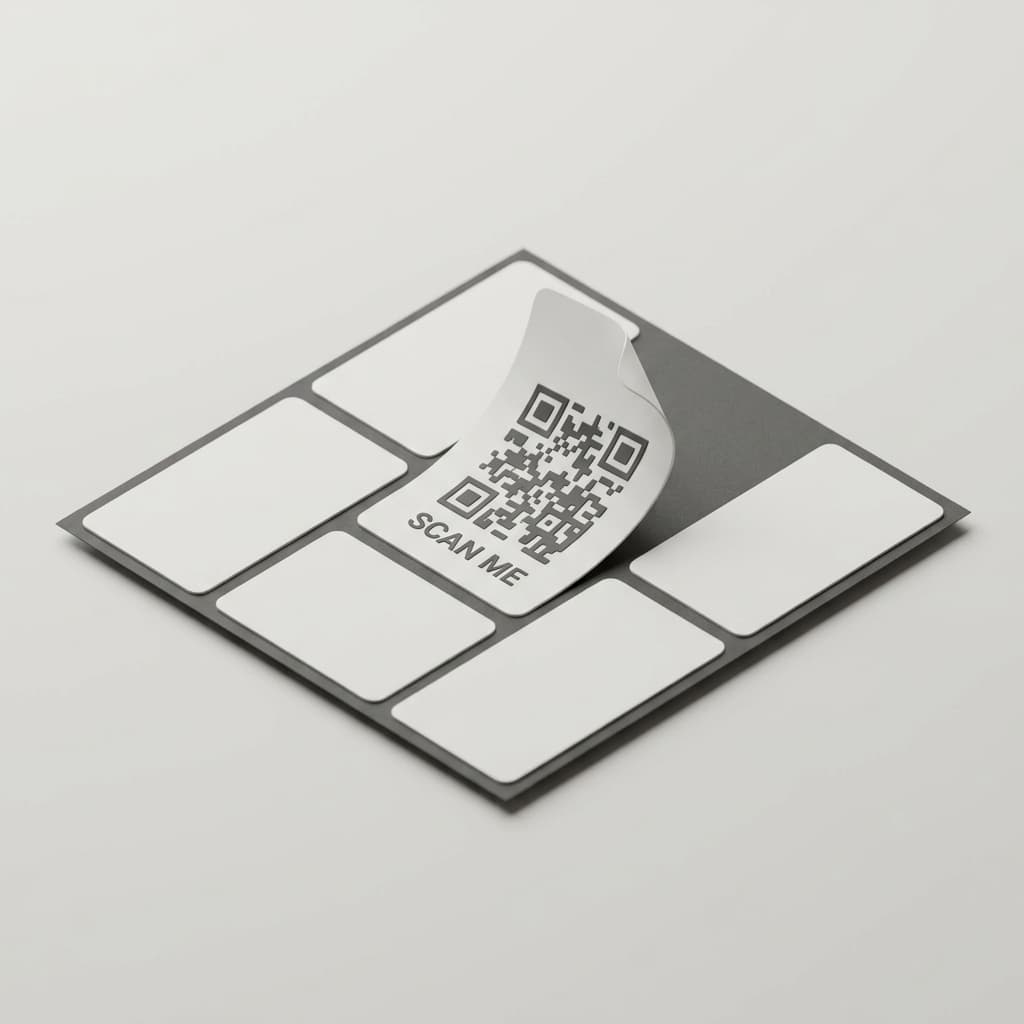
Keep your home inventory within reach
A QR code makes a storage record accessible from the place where you need it. Instead of opening a separate app and searching through a long list, scan the label on the box in front of you and go directly to its storage page.
From there, you can review the items inside, check the box's location, or add something new. This is useful when you are packing after a move, returning seasonal items to storage, or putting away something you just finished using.
Add items while you are already organizing
QR codes also make it faster to build a home inventory. Scan the storage label, open the correct box record, and add the item while it is in your hands. With Palstora, you can use a photo and AI scanning to capture new items in seconds.
This keeps every item connected to the right box from the beginning. You do not have to remember where you put something later or create a temporary list that needs to be sorted out after the organizing is finished.
Create your own storage QR codes
You can create a QR code yourself by copying the URL for a Palstora storage location into any QR code generator. Print the result, write the box name beside it, and attach the label to the outside of the container.
If you want a simpler workflow, Palstora includes a free QR code generator that creates printable labels with the storage name included. You can print QR labels directly from Palstora, then place them on your totes, moving boxes, cabinets, or shelves.
Use labels that are easy to read even when the QR code is not convenient to scan. A name such as Winter clothes, Kitchen equipment, or Moving box 12 helps people identify the container at a glance, while the QR code provides the full inventory.
A simple way to label your storage
You do not need to label every box at once. Start with the containers that are hardest to identify or least convenient to open:
- Large totes packed in a stack
- Moving boxes from a previous move
- Seasonal storage
- Boxes in an attic, basement, or garage
- Containers holding spare parts or rarely used items
Create the storage locations in Palstora, add the items inside, generate or print the QR labels, and attach them where they can be scanned. For more guidance on building the underlying structure, read how to organize your physical storage with Palstora.
Make storage easier for everyone
Once your boxes have QR labels, everyone in your household can check what is inside without relying on the person who packed them. Scan the box before searching, add new items as they are stored, and return things to the same labeled container when you are finished.
For a complete starting point, read how to create a home inventory system. A QR code does not replace a good storage structure. It makes that structure available exactly where you need it.
Explore Palstora
Move from this guide into the product pages that explain the storage model, capabilities, pricing, and support paths.
Related articles
home-inventory
How to Create a Home Inventory System
A practical guide to decluttering, mapping your home, and creating an inventory system that helps you find and maintain everything you own.
home-inventory
Home Inventory System with QR Codes, NFC Tags, Labels, or Tape
Learn how to connect physical storage boxes to your home inventory using names, labels, tape, QR codes, or NFC tags.